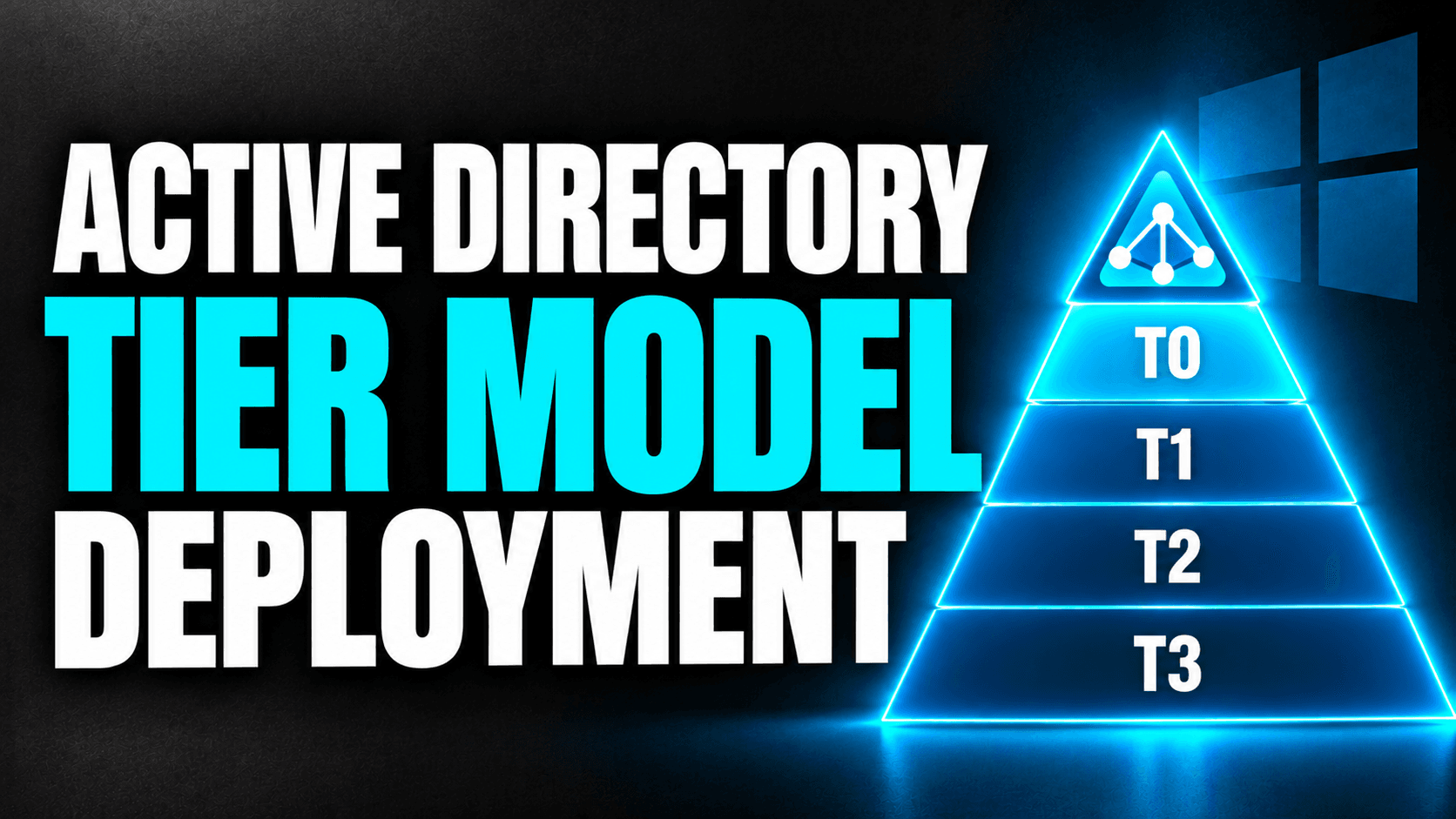
Microsoft's Active Directory Tiering Deployment
I show step by step the deployment of the Active Directory Tier Model that Microsoft's Cloud Solution Architects carry out for enterprises.
Adrián Míguez García
Published 31 October 2026
Tiering is a framework that separates entities within a domain into distinct security levels. The hierarchy is determined by the level of privileges assigned to the accounts operating at each tier. For example, highly privileged accounts—such as those with "Domain Admin" rights—would be kept separate from client machines.
One possible tiering model for Active Directory is as follows:
Tier 0: Domain Controllers (DCs).
Tier 1: Servers.
Tier 2: Lower-tier or less critical servers.
Tier 3: Client computers.
The model described here is based on public scripts that are maintained and periodically updated by Microsoft. It is primarily designed for newly created domains, though it can be adapted for certain migration scenarios—albeit with significant effort. Please note that this is a generic deployment and does not include advanced configurations.
These scripts automate the creation of elements such as Organizational Units (OUs), groups, permissions, and policies, among other components. However, they do not deploy machines, users, or services; furthermore, most policies are disabled by default.
Before beginning work on the tier model, the following prerequisites must be met:
Install PowerShell 7.
Install the Pester 5.x module.
Extend the schema for Windows LAPS.
Configure a KDS root key for Managed Service Accounts (MSAs).
Once these requirements are met, you can proceed with deploying the model's base structure.
Resources:
Comments
Log in to comment
No comments yet. Be the first to comment.